Stop redrawing venues.
Used by systems engineers at Adlib, Clair Global, Eighth Day Sound, PRG, Solotech, and more.
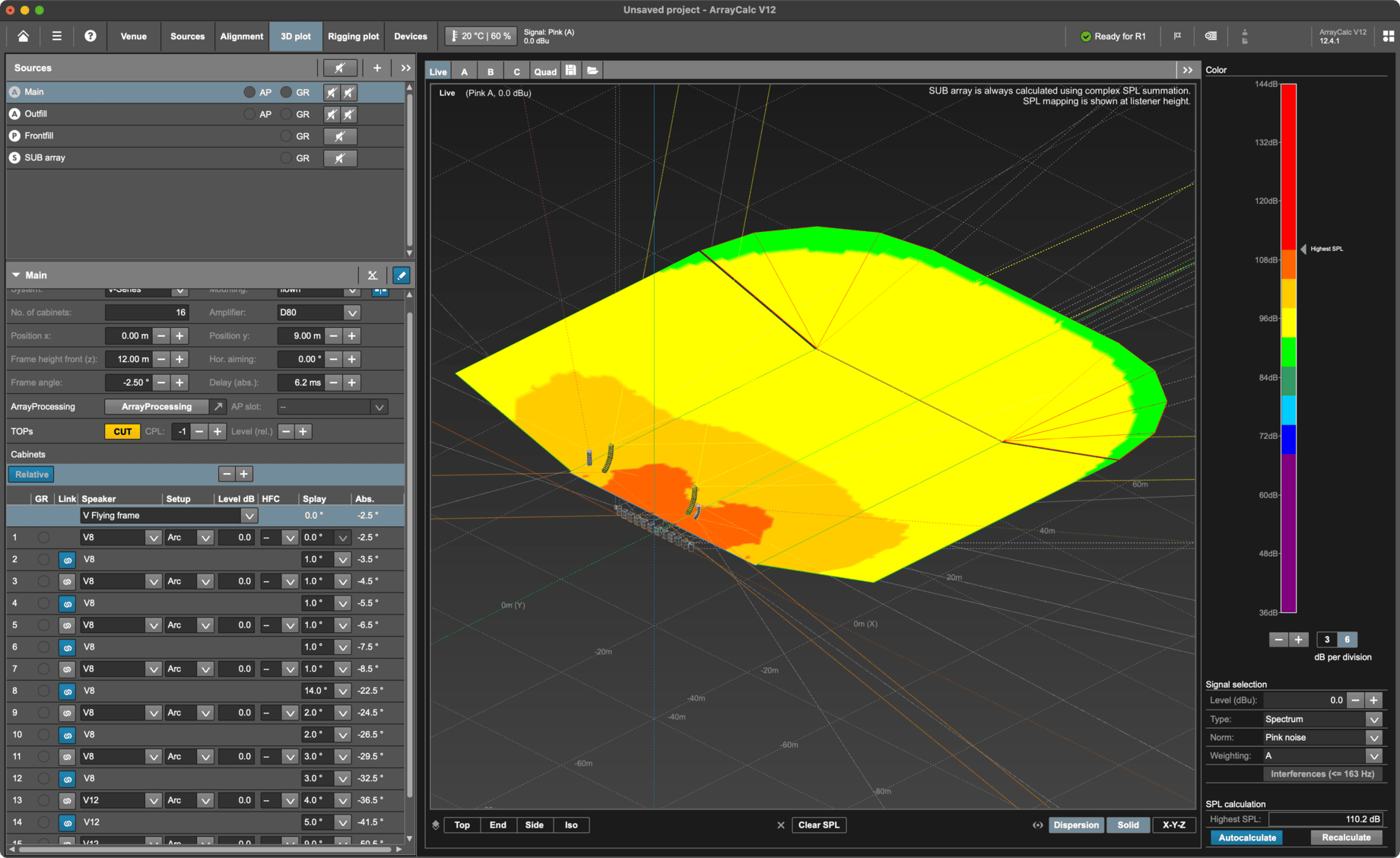
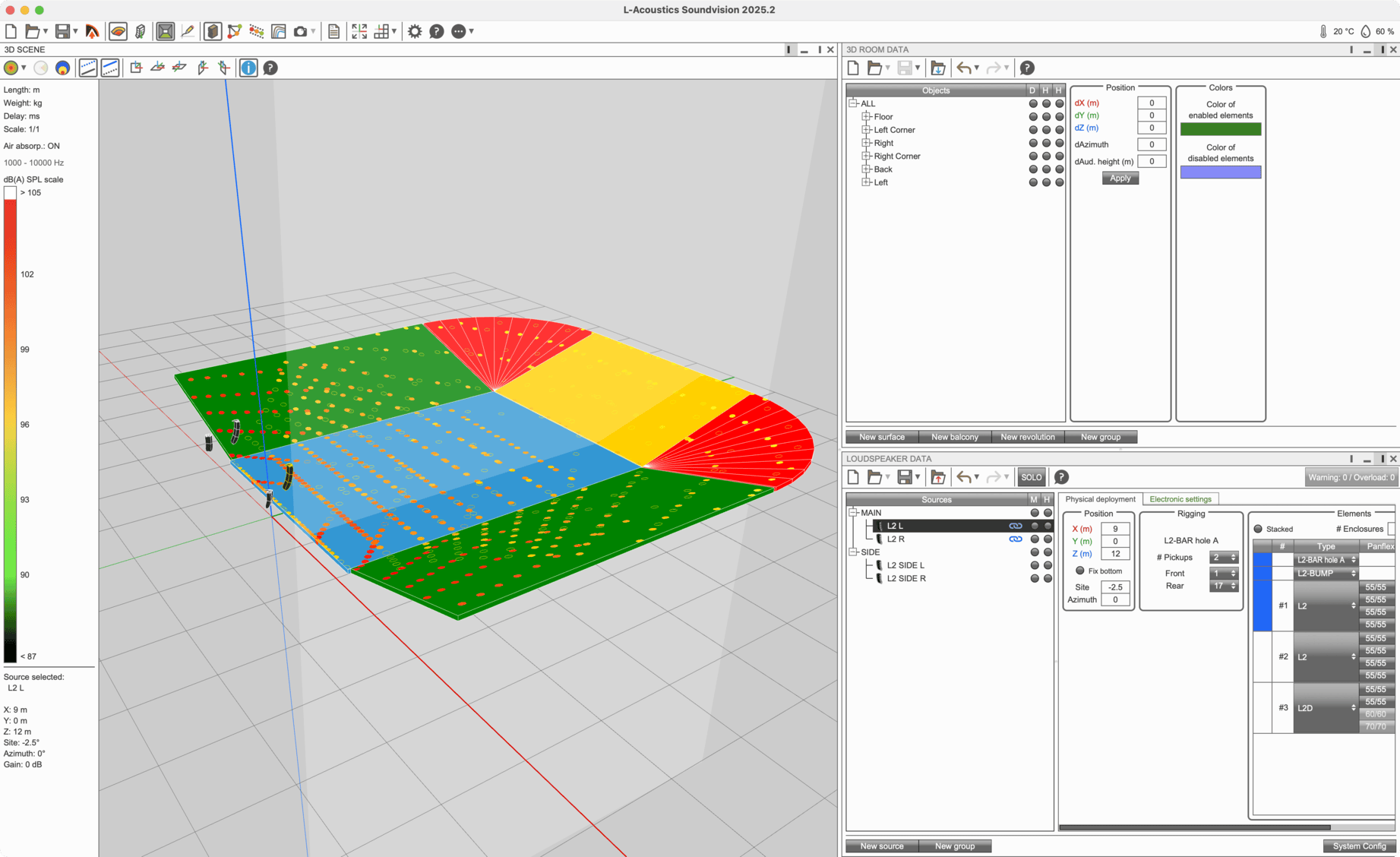
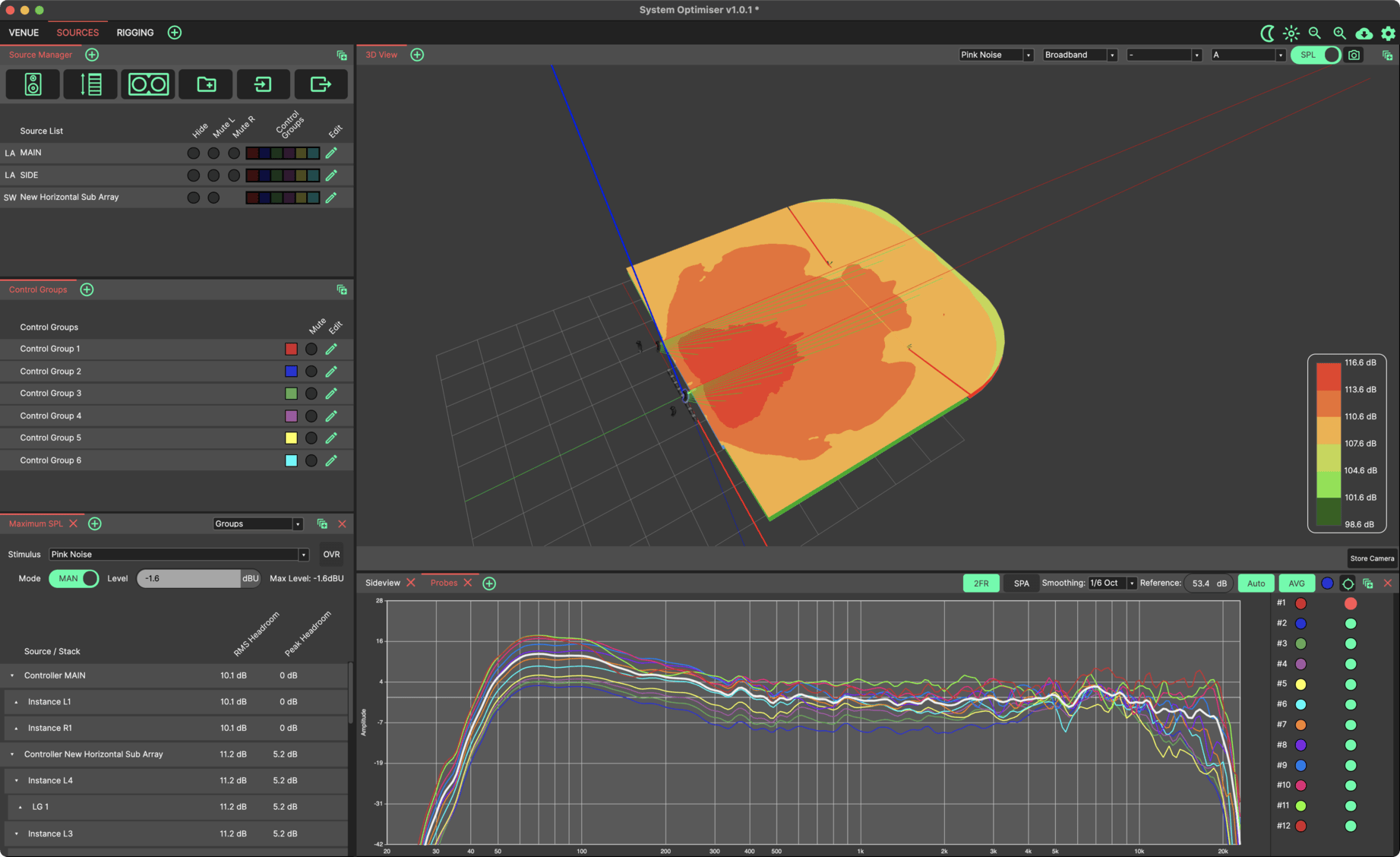

You've done this before.
The multi-tender
Client wants quotes from two manufacturers. That's an additional venue redraw before you've even started the design.
The tour bus
New venue, wrong file format, show's tomorrow. You know how this goes.
The format switch
Inherited a CODA file. You're a d&b house - or vice versa. Every system tech has been here.
ConverTool handles the conversion so you can get on with the actual work.
Upload. Convert. Done.
Upload your venue file
Drag and drop or browse. ConverTool auto-detects the format.
Choose your export format
Select from the available output options for your file type.
Download and carry on
Most conversions complete in under 30 seconds. The file's ready to open in your target application.
What converts to what?
Supported input and output formats at a glance.
| Export to: | |||||
|---|---|---|---|---|---|
| Upload ↓ | ArrayCalc | System Optimiser | Venue Synthesis | SU4SV | DXF |
| ArrayCalc (.dbacv) | - | ✓ | ✓ | ✓ | ✓ |
| System Optimiser (.cvlf) | ✓ | - | ✓ | ✓ | ✓ |
| Venue Synthesis (.gcf) | ✓ | ✓ | - | ✓ | ✓ |
| EASE Focus 2 (.fc2) | ✓ | ✓ | ✓ | ✓ | ✓ |
| EASE Focus 3 (.fc3) | ✓ | ✓ | ✓ | ✓ | ✓ |
| Soundvision (.txt) | ✓ | ✓ | ✓ | - | ✓ |
Note: EASE Focus export isn't available. The format requires surfaces to be at least 2m in length and no steeper than 45° from horizontal - constraints that most imported geometry can't meet.
Note: Soundvision .xmls / .xmlp import not permitted.
What engineers are saying
"One of the biggest headaches of sound system design, solved. Five minutes and less than a cup of coffee - I get a file ready to use, complete with layer names. Now I can concentrate on the design, not the conversion."
CODA Audio USA
"Converted detailed drawings and delivered kit lists in hours rather than days. I was staring at the screen knowing how long the task was going to take. ConverTool changed everything."
Chris Whybrow Sound Design
"I can now draw from multiple venue databases instead of being stuck with manufacturer-specific lists. I'll be recommending this to every touring systems engineer I know."
Freelance Systems Engineer
"We spec'd three different manufacturers for a festival tender last month. What would have been a full day of redrawing took about fifteen minutes. Genuinely useful tool."
Showtec LLC
"I was sceptical at first - assumed there'd be geometry errors or missing surfaces. But the output's been clean every time. It's become part of the workflow now."
Production Manager, Freelance
Pay per conversion. No subscription.
per file ($3.78 inc. VAT)
- Credits never expire
- Buy what you need, when you need it
- Bulk pricing available on request
Already have an account? Log in
Your files. Your data.
No tracking, no ads
We don't run analytics. We don't serve advertisements. The only cookies are for login sessions - nothing else.
Files are deleted automatically
Your source files are removed from our servers after processing. We don't keep copies, and we don't access your files unless you explicitly ask us to troubleshoot a failed conversion.
Actively maintained
The conversion logic is updated regularly as edge cases are identified and new software versions are released. This isn't abandonware.
Common questions
Get in touch at info@convertool.co.uk with your Conversion ID (shown in your account) and we'll look into it. Edge cases do occur - complex geometry, unusual surface configurations, or quirks in how the source file was created can sometimes cause issues. We fix them as they're reported.
As of March 2024, we were asked to remove the ability to import Soundvision .xmls files. The site continues to operate normally with all other formats. If you had credits in your account at that time, you should have been contacted directly.
EASE Focus has geometry restrictions that most venue files can't satisfy - surfaces must be at least 2m long and no steeper than 45° from horizontal. These constraints make export to EASE Focus impractical for the majority of real-world venues.
Yes. If you've got unused credits and want a refund, email info@convertool.co.uk and we'll sort it out.
Not currently, but it's something we're considering for rental companies and integrators who'd benefit from automated batch processing. Get in touch if this would be useful for your workflow.
Email info@convertool.co.uk and we'll remove your account and all associated data.
Ready to stop redrawing?
Create an account and upload your first file. It takes less than a minute.
Get started